Gradient
This notebook demonstrates how to use OptiWindNet’s gradient() function to analyze how small position changes in turbines or substations affect total cable length and cost. Through simple, controlled examples, we’ll calculate gradients for both distance and cost objectives, verify them against expected behavior, and explore the effect of temporarily substituting new coordinates without altering the underlying network object. The gradient function provides a practical way to assess
sensitivity and guide turbine layout optimization decisions.
Import required packages
[1]:
from optiwindnet.api import WindFarmNetwork
import numpy as np
[2]:
# Display figures as SVG in Jupyter notebooks
%config InlineBackend.figure_formats = ['svg']
A sample network
Create a sample network with one substation and two wind turbines.
[3]:
substationsC = np.array([[0, 0]])
turbinesC = np.array([[0, 1], [1, 1]])
borderC = np.array([[-0.1, -0.1], [-0.1, 1.1], [1.1, 1.1], [1.1, -0.1]],
    dtype=float)
Create an instance of WindFarmNetwork based on the defined data.
[4]:
wfn = WindFarmNetwork(turbinesC=turbinesC, substationsC=substationsC, cables=[(5, 1800.0)], borderC=borderC)
Plot the location geometry (without any electrical network)
[5]:
wfn # or wfn.plot_location()
[5]:

Optimize
Run optimization with the default solver.
[6]:
res_optimize = wfn.optimize()
Plot optimized network.
[7]:
wfn
[7]:
Calculate gradients
Gradient of length (default)
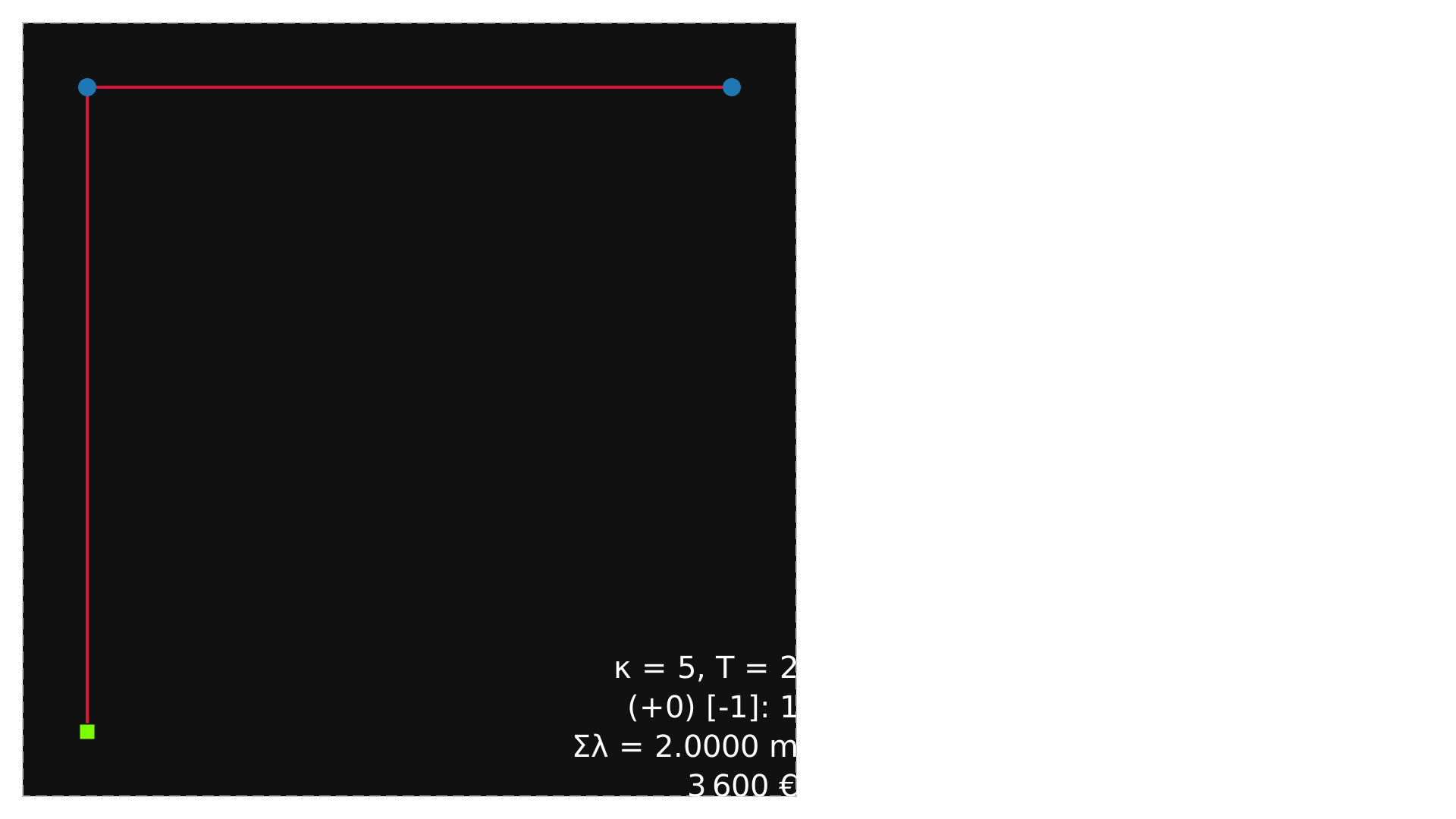
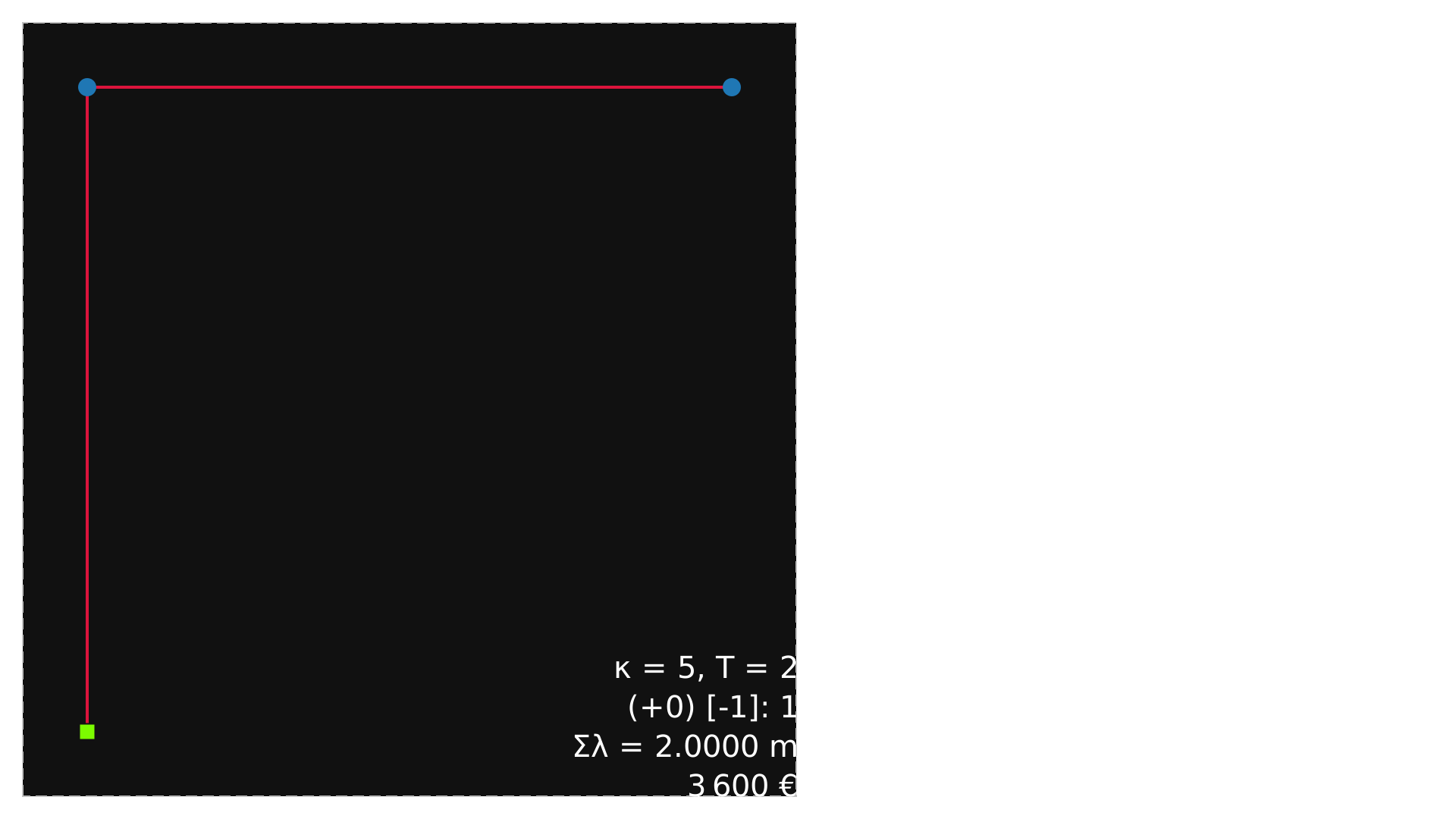
Calculate gradient of turbines and substation using gradient() function. The expected gradient values are that moving first WT on x-axis infiniticimally will reduce the total length equally while on y-axis will increase the total length. And accordingly for the other turbine and substaion. The output of gradient() function is matching with the expectation.
[8]:
grad_wts, grad_ss = wfn.gradient()
print('WTs gradient: ')
print(grad_wts)
print()
print('SS gradient: ')
print(grad_ss)
WTs gradient:
[[-1.  1.]
 [ 1.  0.]]

SS gradient:
[[ 0. -1.]]
Gradient of cost
[9]:
grad_wts, grad_ss = wfn.gradient(gradient_type='cost')
print('WTs gradient: ')
print(grad_wts)
print()
print('SS gradient: ')
print(grad_ss)
WTs gradient:
[[-1800.  1800.]
 [ 1800.     0.]]

SS gradient:
[[    0. -1800.]]
Gradient with new coordinates
Example 1
[10]:
grad_wts, grad_ss = wfn.gradient(substationsC=np.array([[0.5, 0],], dtype=float))
print('WTs gradient: ')
print(grad_wts)
print()
print('SS gradient: ')
print(grad_ss)
WTs gradient:
[[-1.4472136   0.89442719]
 [ 1.          0.        ]]

SS gradient:
[[ 0.4472136  -0.89442719]]
Example 2
[11]:
grad_wts, grad_ss = wfn.gradient(substationsC=np.array([[-1, 1],], dtype=float))
print('WTs gradient: ')
print(grad_wts)
print()
print('SS gradient: ')
print(grad_ss)
WTs gradient:
[[0. 0.]
 [1. 0.]]

SS gradient:
[[-1.  0.]]
Note:
.gradient()calculates gradients with new coordinate but does not update the ``wfn`` instance. For example if we plot the network, original coordinates are depicted. If you need to updatewfn, check the WindFarmNetwork class
[12]:
wfn
[12]: